
Part 61 vs Part 141: what the setting changes
Part 141 requires a published syllabus before enrolling, a certified record, and every FAA requirement met before graduation. Part 61 enforces none of it. The choice is made once per course and cannot be changed.
For owners, admins and instructors
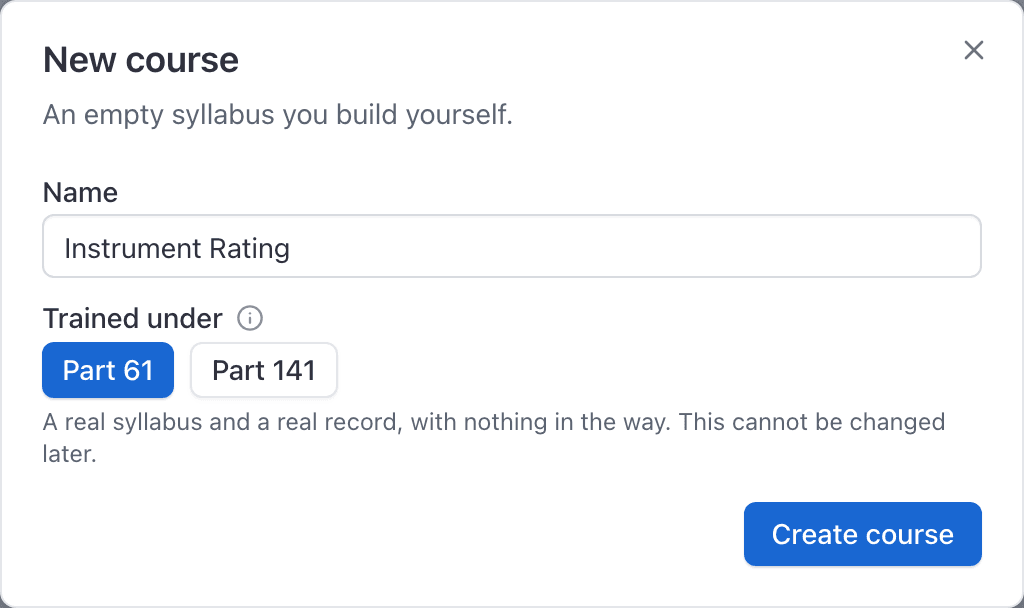
Trained under is chosen once, in the New course dialog, and can never be changed. Part 141 requires a published syllabus before anyone can enroll, warns when a lesson is graded out of order, requires the record to be certified, and refuses graduation while any FAA requirement is unmet. Part 61 enforces none of that.
Both regimes use exactly the same screens, the same syllabus editor and the same records. Only the gates differ.
What Part 141 turns on#
| Gate | What happens |
|---|---|
| Publish before enrolling | You cannot enroll anybody against a draft. The attempt is refused with "A Part 141 course must be published before anyone can be enrolled on it." |
| Out-of-order warning | Saving a draft record for a lesson whose earlier lessons are not complete returns a warning naming the count, and asks you to record a reason. It is a warning, never a block. |
| Certification | A Certify record button appears in the training record header. Until it is used, graduating is refused with "A Part 141 record has to be certified by the chief instructor before the student graduates." |
| Graduation gate | The Graduate button stays disabled while any requirement sourced Part 61 or Part 141 is unmet. The Overview tab names what is outstanding in an amber card. |
| Certificate numbers | The graduation dialog asks for the §141.95 graduation certificate number, and stores it against the record. |
Two things are worth reading twice. The out-of-order warning never stops a signature, and a requirement whose Comes from is set to "Our own" never blocks a graduation however short the student is. Only Part 61 and Part 141 requirements can hold the Graduate button down. See Add hour and landing requirements.
The publish dialog on a Part 141 course also offers an FSDO approval reference. Fill in the reference you filed with your POI and it is stored against the version for your audit trail. It is optional, and nothing in the product depends on it.
What Part 61 does not enforce#
Under Part 61 nothing is gated at all:
- You can enroll students against an unpublished draft.
- Lessons can be graded in any order, with no warning.
- There is no certification step and no Certify record button.
- Graduate is never disabled, however far short of the hour requirements the student is.
Why the setting cannot be changed later#
No screen, no role and no support request can flip a course from Part 61 to Part 141 or back. Flipping it would retro-arm gates against records made under the other regime: a student who was legitimately graduated under Part 61 with 38 hours would suddenly be sitting on a record that says they should never have graduated.
So the choice is made once, in the New course dialog, and it lives with the course.
Moving a school from Part 61 to Part 141#
Create a new course, set Trained under to Part 141, build its syllabus, publish it, and enroll new students on it. Students already training carry on to the end on the Part 61 course.
See Create a course.
What to do next#
The New course dialog, the four templates, and what you get afterwards.
What publishing locks, and how to change a published syllabus later.
Certifying a Part 141 record, and why Graduate can be disabled.
The §141.101 log to hand an inspector, and how to export it.
Still stuck on this?
Email support@aerscheduler.com and tell us what you were trying to do. We answer.