Inspections that keep themselves current
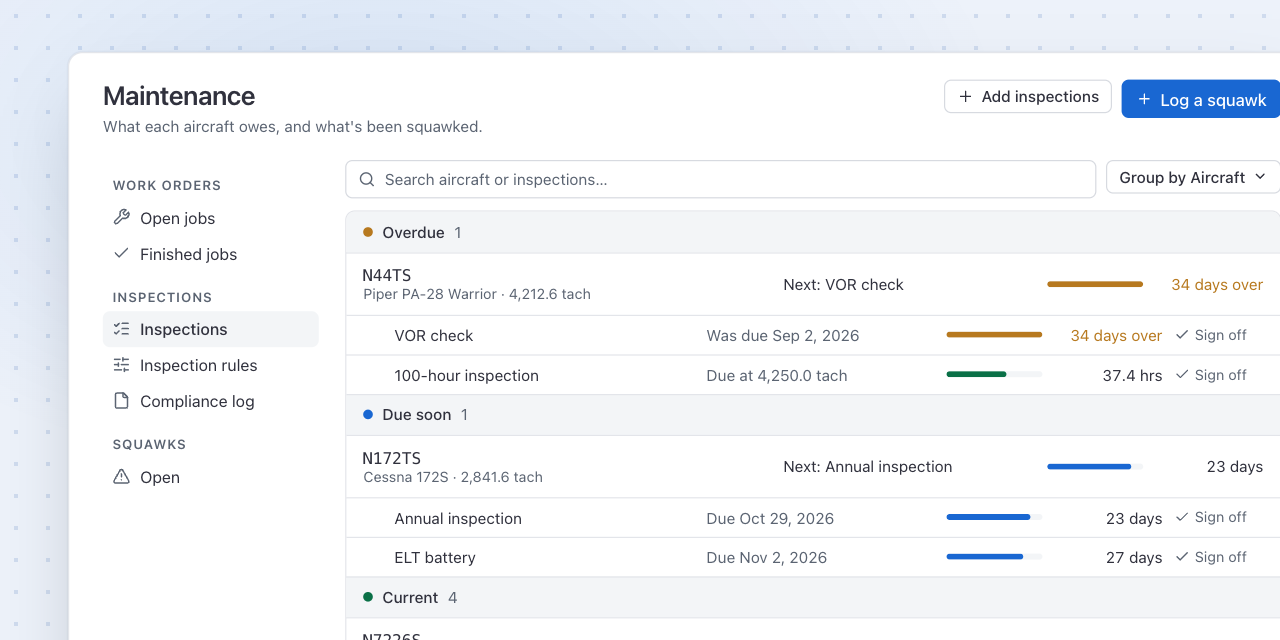
Maintenance now shows every aircraft with the inspection it needs next, how long is left in days or tach hours, and which ones are already overdue. Group the list by aircraft, by status or by inspection, depending on the question you are asking.
Start with the standard set
Add the seven AVIATES items in one go, fill in when each was last done, and pick the tails. Add your own inspections and Airworthiness Directives alongside them, counted in calendar months or in tach hours.
Reminders in steps
Warn the shop at 90, 30 and 7 days, or at 25, 10 and 5 hours, and owners of customer aircraft on their own steps.
Grounded when it comes due
An inspection marked Grounds the aircraft grounds its tail when it comes due, and signing it off puts it back on the line.
Signed off in one place
Sign off a completed inspection and the next due date is worked out for you, from the date or the meter.
A compliance log
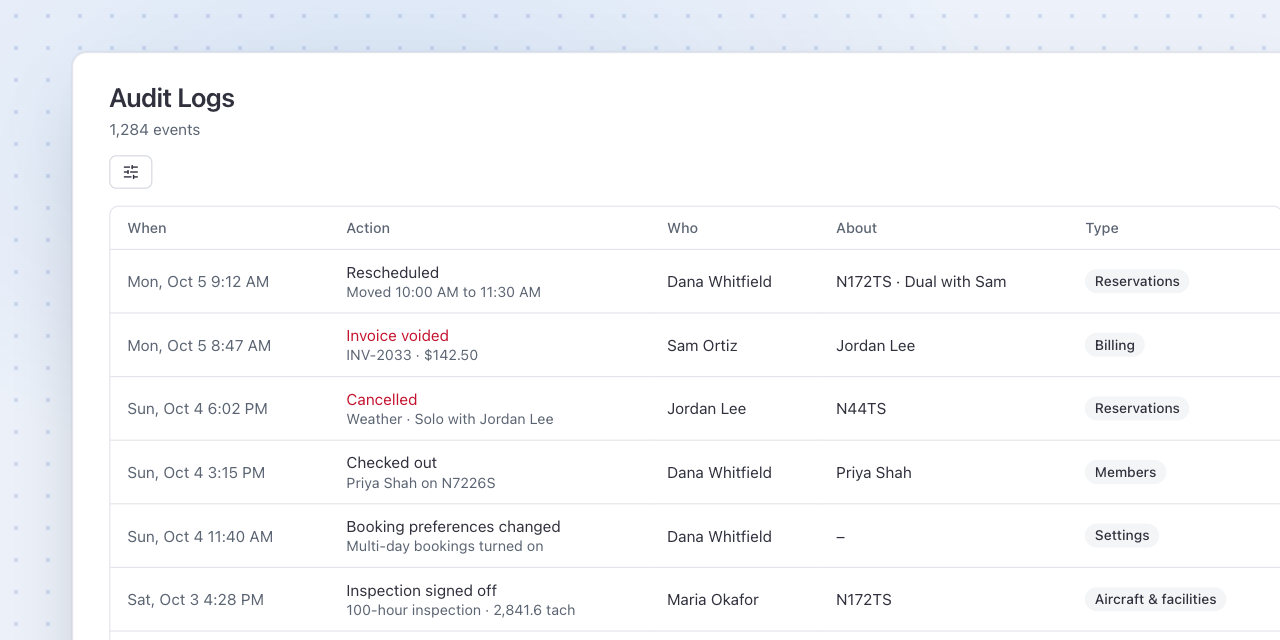
Every sign-off is kept, with who signed and when, for the next annual or ramp check.
Not every inspection fits every aircraft
Mark an inspection not applicable to one tail, with a reason, instead of deleting it for everyone. Change which aircraft an inspection covers, or stop tracking it, from Inspection rules.
Set it up
- Open Maintenance and click Add inspections.
- Leave the mode on Standard set and fill in when each was last done.
- Pick the tails and click Add.